Been there. Loved that.
Mark countries, US states, and cities as visited. A city visit counts toward its country, too.
 My Travel MapBY FRANCO APPS
The places you’ve been.
The places you’re dreaming of.
One map that feels like you.
Native for iPhone and iPad · Free at launch
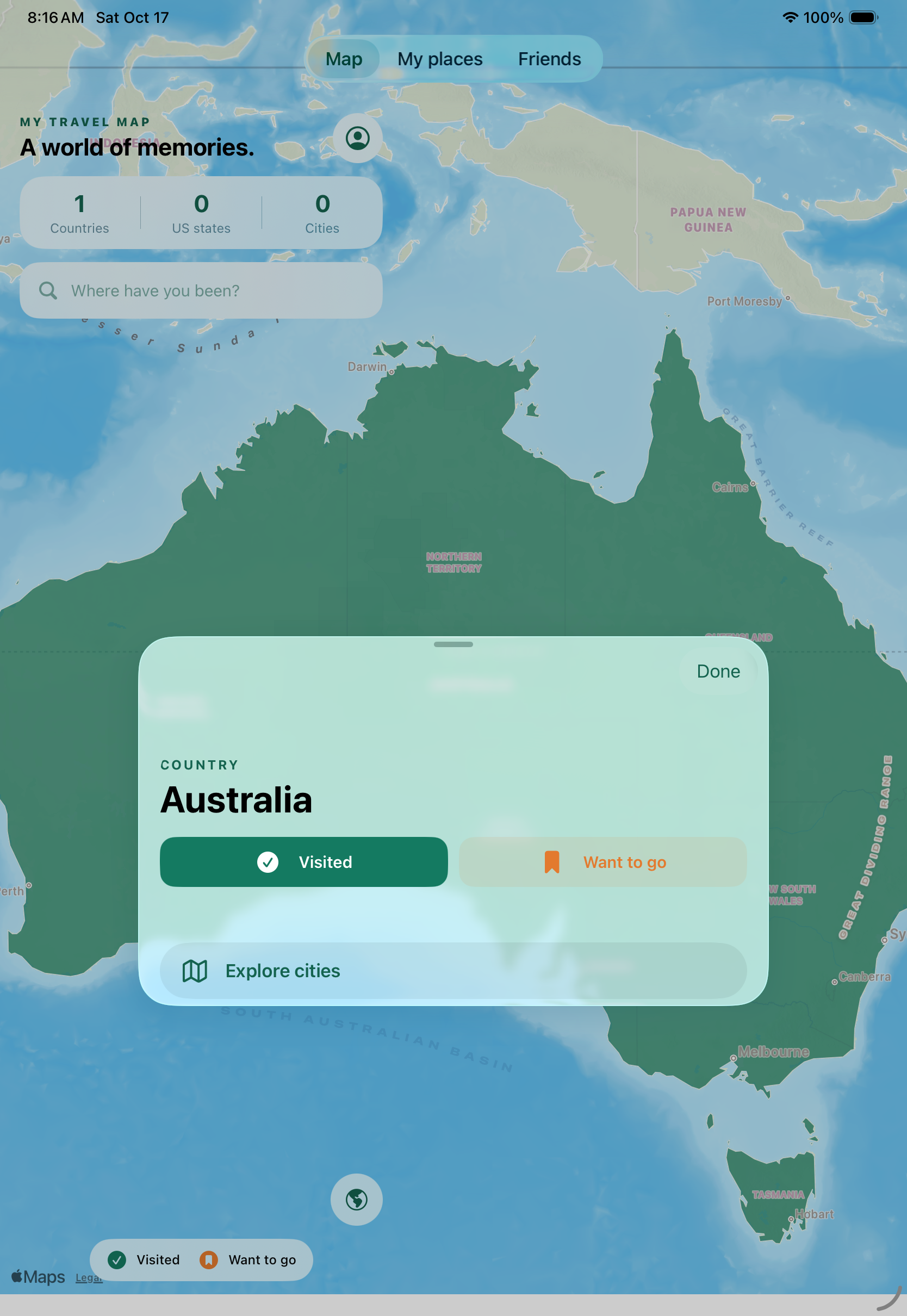
Tap a country and give it a color. Zoom closer to remember a city, or explore the US one state at a time. Every little mark is a place worth remembering.
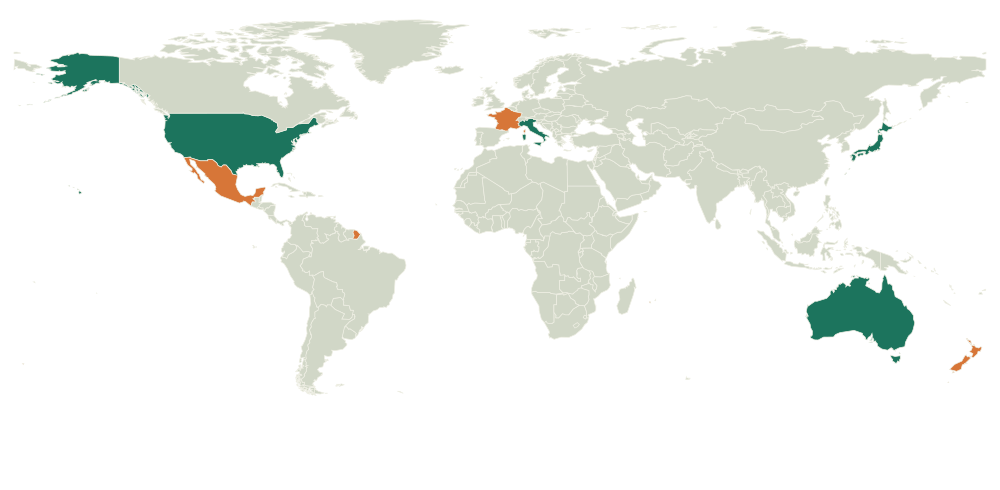
Mark countries, US states, and cities as visited. A city visit counts toward its country, too.
Give your wish-list destinations a different color. Big adventures start with a little daydream.
Add a private note or date when you want to remember more than a place on a map.
Your travel data lives on your device and syncs through Apple’s iCloud. Keep marking places offline, then catch up when you’re connected again.
Read about your dataTry it on your device. Sign in with Apple when you’re ready to sync or share.
Bring your map between your iPhone and iPad with iCloud.
Places and colored boundaries are available offline. Street-map tiles may need a connection.
YOUR NEXT CHAPTER IS COMINGMy Travel Map is in development for iPhone and iPad.
The App Store link will appear here when it’s ready.